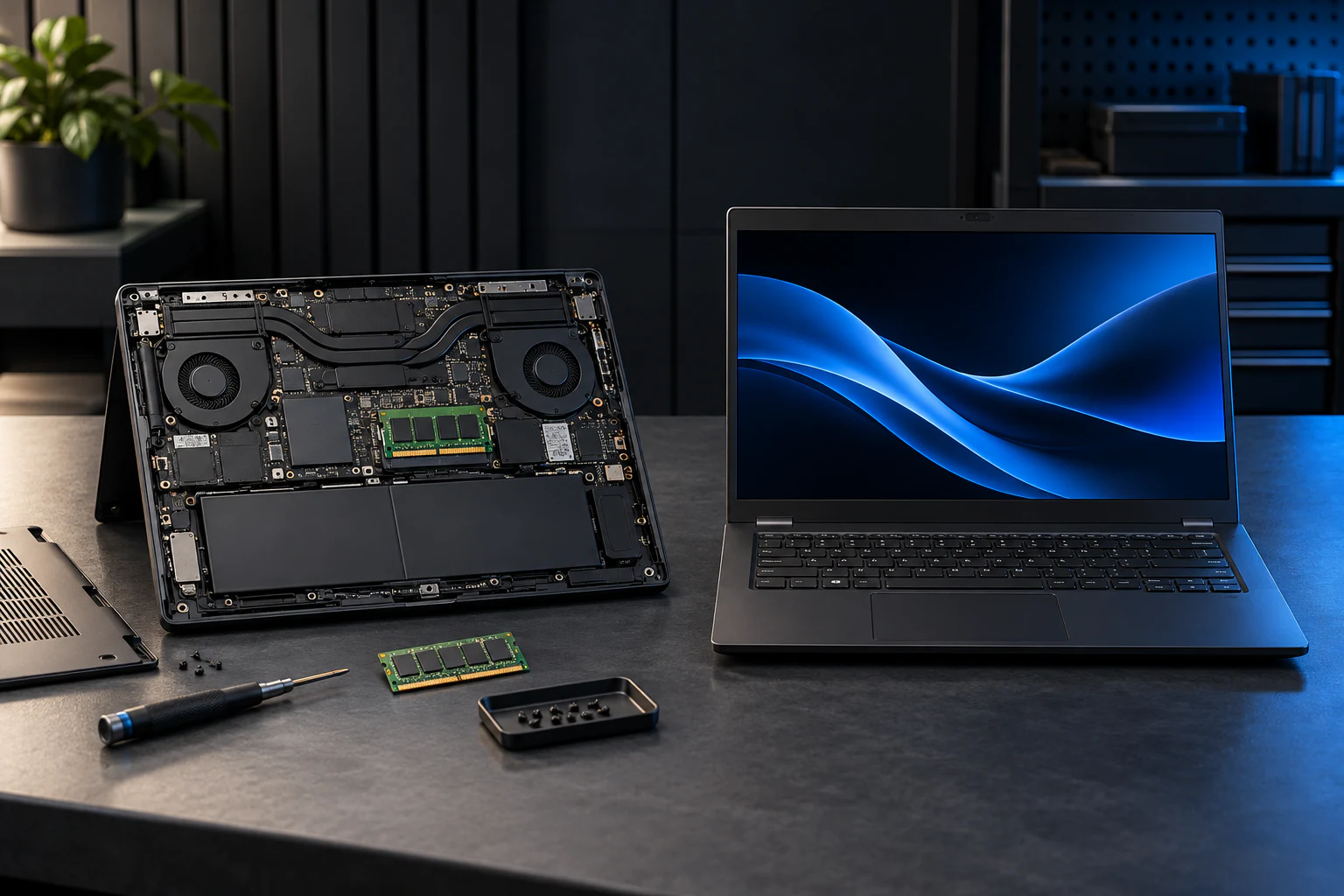
How far can you upgrade a laptop? RAM, SSD and Windows
The exact model determines upgrade options. Two laptops with an 8th-generation processor can have replaceable DDR4 or soldered LPDDR3. Find the manufacturer manual, check memory slots and SSD interface, and assess Windows with PC Health Check. Maximum supported capacity is not necessarily the amount you need or should pay for.

A generation describes a product family, not the entire computer. This guide shows how to find the limit without guessing which part to buy. The model names below are technical examples, not recommendations to buy a specific machine.
Find the model before finding the part
Record manufacturer, full model name, generation and machine type or product number from the label or system information. Look up that variant with its manufacturer. A family name such as ThinkPad or Latitude is not enough.
Find both the specification sheet and service manual: the first describes supported parts, the second access and safety procedures. The CPU manufacturer's maximum is not automatically the maximum supported by the finished laptop.
8th, 9th or 11th generation: real differences
This table follows Lenovo's listed configurations and tested RAM maxima. It is not a guarantee for every variant or a claim about the absolute electrical limit. Always check the exact product number before buying.
| Example | RAM and listed maximum | Storage: what needs checking? |
|---|---|---|
| T480 with 8th-gen Core; 7th-gen variants also exist | Two DDR4 SO-DIMM slots. Lenovo lists 32 GB. | Primary 2.5-inch SATA or M.2 NVMe with the appropriate adapter; not two free primary bays. |
| X1 Carbon Gen 7 with 8th-gen Core | 8 or 16 GB soldered LPDDR3. No memory slot. | One M.2 2280 SSD. PSREF lists SATA and NVMe variants; verify the actual part. |
| P53 with 9th-gen Core | Four DDR4 SO-DIMM slots, up to 128 GB. ECC needs a separate Xeon configuration. | Multiple drives are possible; 2.5-inch and M.2 layout depends on configuration. |
| T14 Gen 2 Intel with 11th-gen Core | 8/16 GB soldered + one DDR4 slot. Listed maximum 40/48 GB. | One M.2 PCIe slot. Memory and storage details concern the Intel variant, not every T14. |
Which memory can you install?
Check whether memory is soldered, socketed or a mixture. Then match type, form factor, capacity per slot, total capacity and manufacturer speed requirements. DDR4 and DDR5 are not interchangeable; do not buy by gigabytes alone.
More memory does not automatically make the processor faster. Measure usage in your normal applications. More can help a memory-constrained machine; if CPU, heat or networking is the bottleneck, investigate that instead.
Which hard drive or SSD fits?
M.2 describes a form factor, not SATA or PCIe NVMe by itself. Check interface, length, thickness, connector, mounting hardware, cooling and manufacturer support. An empty mobile-network slot is not automatically an extra SSD slot.
T480 is a useful example: the primary storage bay may be configured for 2.5-inch SATA or NVMe through an adapter. The chassis name does not tell you that an arbitrary M.2 drive fits. Replacing a system drive also requires a migration or reinstallation plan.
Which Windows can an older laptop use?
Do not answer simply 8th generation or newer. Check the exact processor, TPM 2.0, UEFI/Secure Boot capability and other requirements with Microsoft's PC Health Check. Its result and manufacturer drivers matter more than a seller's generation label. A T480, for example, can have a 7th- or 8th-generation CPU.
Being able to install Windows does not make the combination supported. Microsoft advises against Windows 11 on hardware that fails the requirements. Windows 10 22H2 lost general support on 14 October 2025; ESU and LTSC are separate arrangements with their own requirements and dates, not permanent options for everyone.
For a managed company computer, IT must approve the change. Another supported operating system may be an option, but check applications, printers, docking and security management first.
Can an ordinary user do it at home?
Some memory and SSD replacements suit a careful user with the right tools and model-specific manual. Others require extensive disassembly, specialist parts or professional service. There is no universal ten-minute guarantee.
- Make a verified backup and locate the BitLocker recovery key before hardware or BIOS changes. Do not share the key publicly.
- Follow the manual's sequence for shutdown, disconnecting power and isolating the battery. Use ESD protection and avoid touching contacts.
- Stop for a swollen battery, liquid damage, a soldered component or anything that needs forcing. Never puncture or bend batteries.
- Refit covers and screws correctly, verify detected memory and storage, and run manufacturer diagnostics afterwards.
When is the upgrade worth paying for?
Compare parts, labour, migration and any battery with a suitable replacement. Keeping the existing machine makes sense when a demonstrated bottleneck can be fixed, the chassis is sound and software can be supported. Consider replacement for insufficient soldered RAM, inadequate CPU/GPU or missing support.
The manufacturer maximum is a ceiling for a particular configuration, not a shopping list. Buy the capacity your workload needs, with reasonable headroom and a confirmed price.
If you would rather have it done
Send the full model name and current configuration for an assessment. Do not send passwords or recovery keys.
Write to usSources
- Lenovo: ThinkPad T480: PSREF
- Lenovo: ThinkPad X1 Carbon Gen 7: PSREF
- Lenovo: ThinkPad P53: PSREF
- Lenovo: ThinkPad T14 Gen 2 Intel: PSREF
- Kingston: DDR4 and DDR5: compatibility
- Microsoft: Check Windows 11 with PC Health Check
- Microsoft: Windows 11 on devices that do not meet minimum requirements
- Microsoft Learn: Windows 10: ESU and LTSC servicing
- Dell: XPS 13 7390 2-in-1: service safety
- Dell: Handling swollen lithium-ion batteries
- Microsoft: Find your BitLocker recovery key
Questions we get about this
Is your question not here? Write to us
Can every 8th-generation laptop take 32 GB RAM?
No. As concrete examples, T480 has two DDR4 slots and a Lenovo-listed 32 GB maximum, whereas X1 Carbon Gen 7 has 8 or 16 GB soldered LPDDR3 without memory slots. The exact model is decisive.
Can CPU or graphics be upgraded like RAM?
Check the service manual. In many laptops the CPU and GPU are integrated or soldered, and cooling, power and BIOS constrain the options. Do not assume a simple module swap just because a desktop can be upgraded that way.
More from Knowledge
- Memory and storageWhy has RAM become more expensive, and what does it mean for your laptop?AI, servers and limited supply put pressure on memory. But a chip forecast is not a local retail price.6 min.
- Memory and storageHow to upgrade the RAM in a laptopFind compatible memory, check whether it is replaceable and assess whether the job is suitable for DIY.7 min.
- Windows 10 support has ended — what now for your company?General support has ended; ESU and LTSC have separate terms. Check each device's edition, coverage and next step.7 min.
- Refurbished or used: what is the difference?Two words used interchangeably, and a difference that decides what you get. How to find out what was actually done to the machine.8 min.
- Repair or replace your computer? How to work it outThe calculation that decides whether a slow or broken machine gets repaired or replaced.6 min.